
I don’t know about you but I am a bit old school when it comes to making lists – lists are meant for paper aren’t they? I mean don’t get me wrong, I do like to have my list handy on my phone but I like to use a pen and paper to write everything down. So imagine my excitement when I was asked to try out a very funky new gadget!
The Bamboo Spark is so so clever, it boggles my mind a little actually. In a nutshell, you write down whatever it is you want to write down, press a button and voila – it appears on your phone or tablet!! How cool is that?!
I can’t pretend to know how the technology works, all I know is that it is a brilliant idea and something that mixes my love of gadgets, my love of pen and paper and the need to have everything readily available on my phone.


The Smart Folio is a little like a case, with a space for your tablet or phone and the notepad area. The specialist pen has a little holder down the spine too, so you don’t lose it. That is how the magic happens – the pen communicates with the notepad! You can see a little light flash as the pen touches the pad, so you know it is talking to it.
There are different folios to choose from in the range. I have an iPad mini so I chose the Smart Folio with gadget pocket, that way I can either store my phone or my tablet. There is another with a sleeve for tablets or a snap fit case for your iPad Air 2.

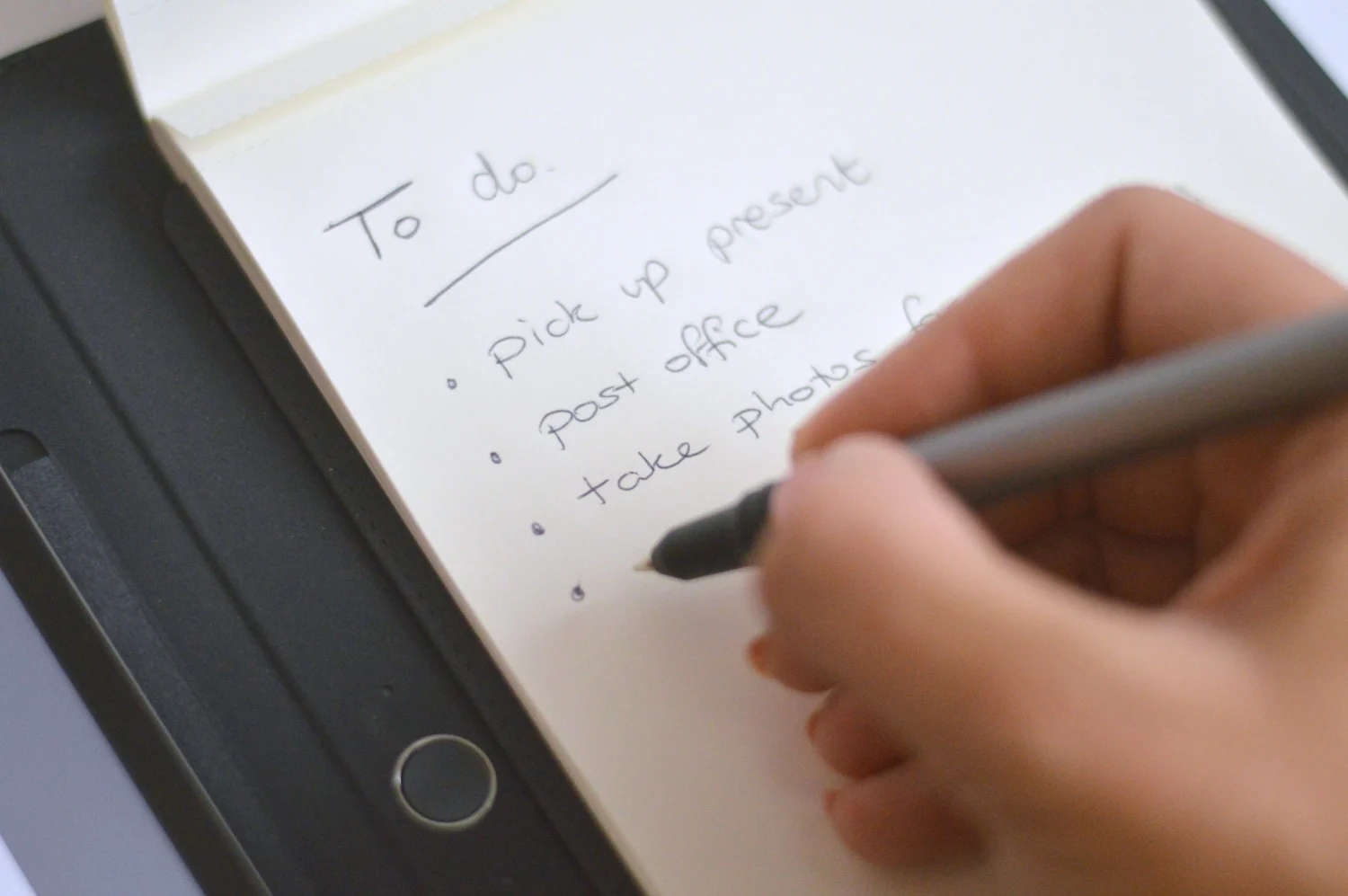
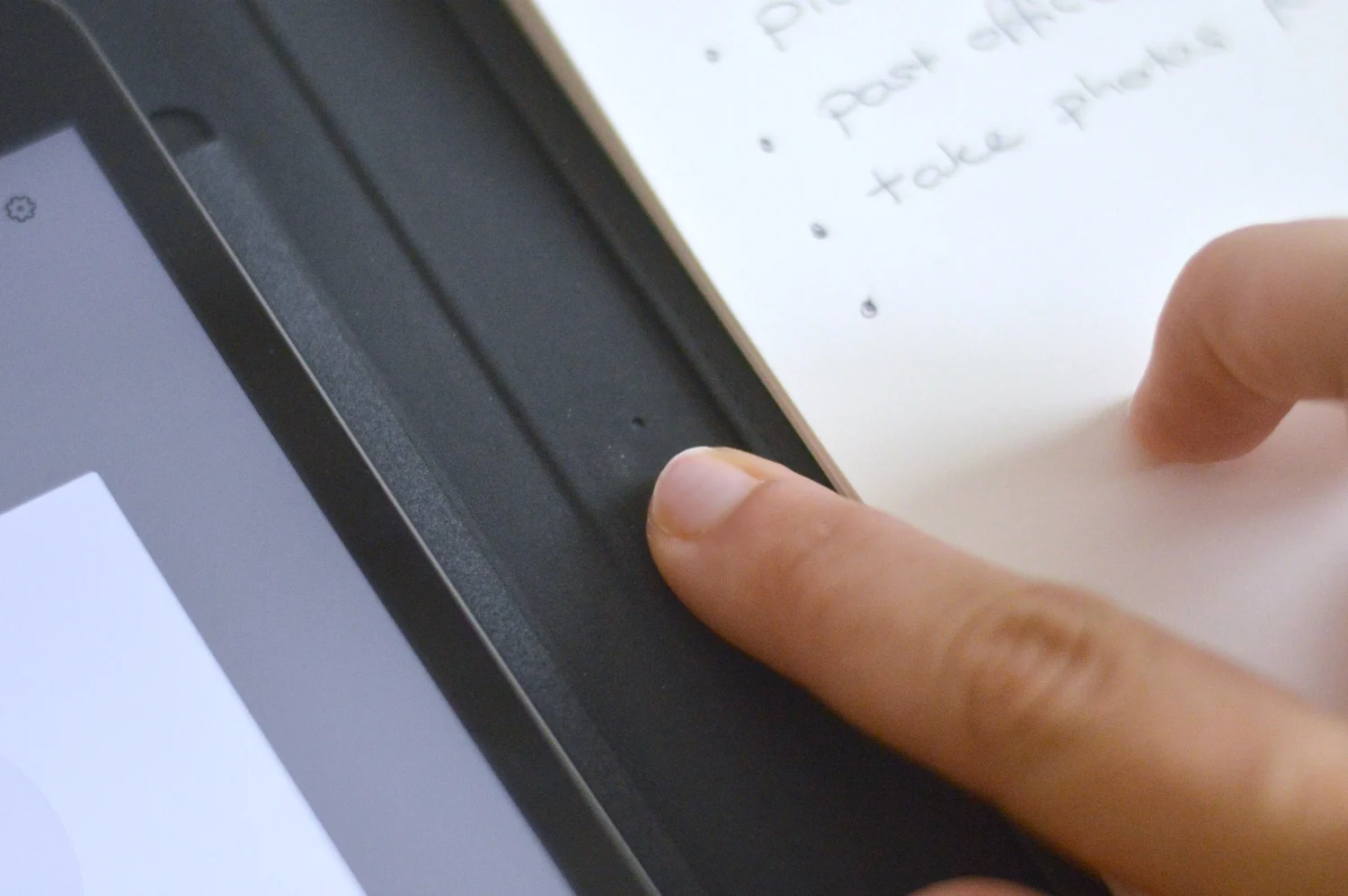
Once you have downloaded the Wacom Cloud app onto your phone or tablet, you sync up the folio via bluetooth and you are good to go. Start writing down whatever it is you wish to write and when you are done, simply press the button to the left of the notepad.


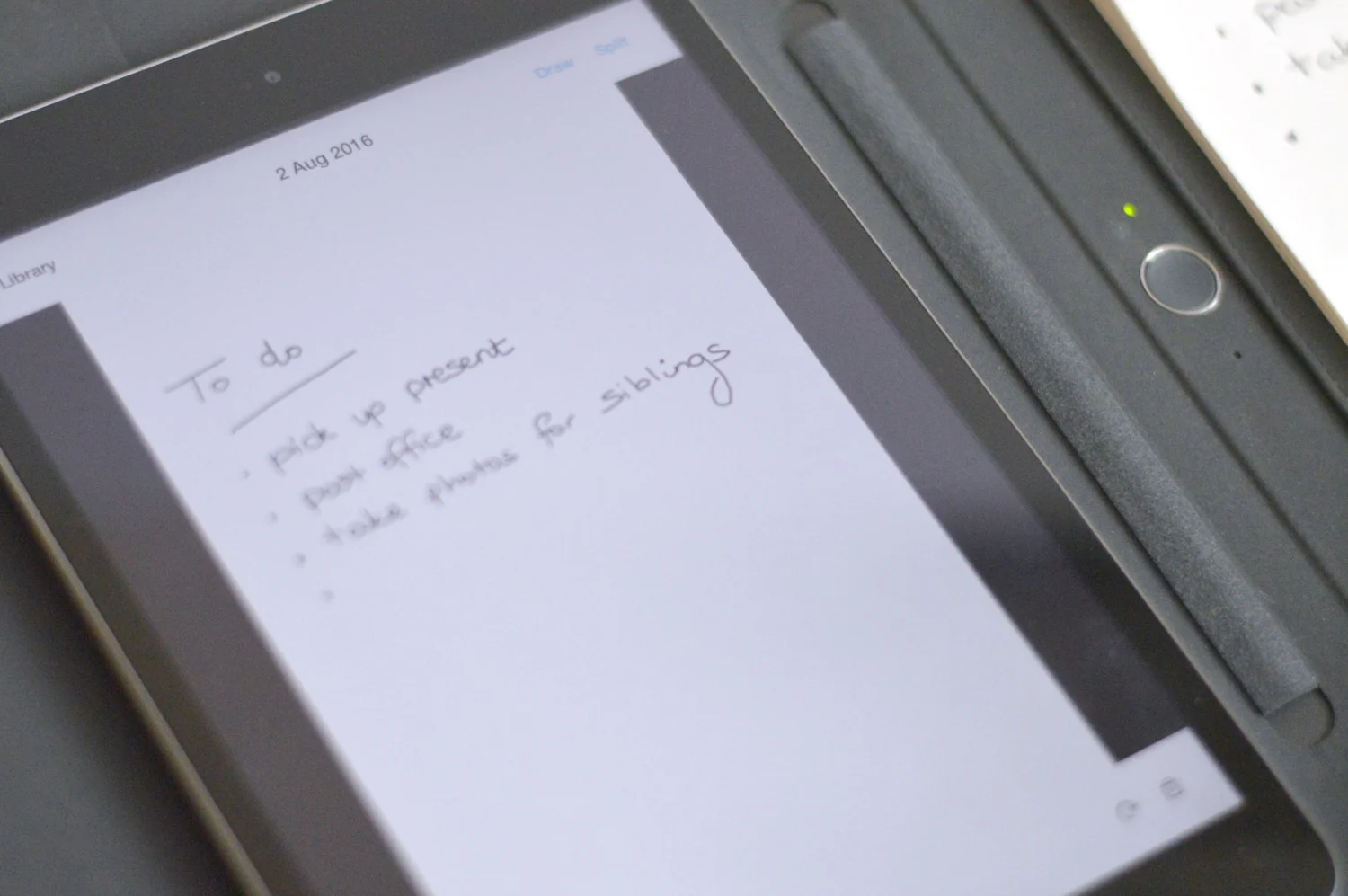
Look – there it is! Magic isn’t it? And if not magic then very very clever! The great thing is, if you realise you’ve made a mistake then you can work in-app to scroll back in time. There is then a draw tool to add in any new notes as and when you like.
I am forever making lists and the fact I can now use the Bamboo Spark to turn handwritten notes into text is just brilliant. So, if you like gadgets and want a way to send notes to your phone or tablet then you will absolutely love this!


Laura - dear bear and beany
Thursday 4th of August 2016
No way, this is magic! I am the same as you I love to make a list with pen and paper, but I then transfer some bits across to my phone for when I am out and about, so really I am duplicating! This would solve that problem. Never seen anything like it before x