
Inside: How to clean a TV screen the right way. Collaborative post.
If you’re like me then you won’t remember to clean your TV too often. It’s only when you start to wonder whether your eyes are going blurry that you realise it is the fingerprints getting in the way of you and your favourite program.
Whatever you do, don’t use a baby wipe to clean the screen. I can tell you, from experience, that it will only end in disaster. Instead, you want to treat your TV with care to make sure you have many more years of TV joy ahead of you.
There are right ways and wrong ways, and this post will share the correct ways you can clean your TV and keep it streak-free while sharing a few warnings along the way.

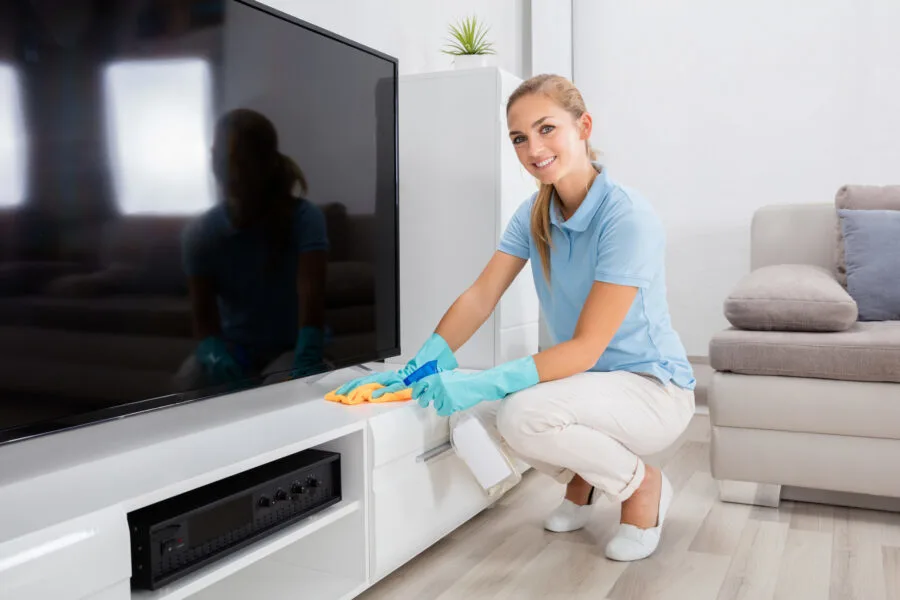
How often should you clean your TV?
There is a two-part answer as there are two main elements to keeping your TV clean.
First of all you have the screen itself. Giving it a wipe once a week or once a fortnight will make sure it is kept free from any fingerprints or random smudges. Doing this will mean you will always get the best picture quality when watching your favourite shows.
The second element is the reverse side of the screen, with the cables and connections as well as the speaker system. Keeping these free from dust will prevent connectors deteriorating and keep your sound system in check so that you always get the best possible sound from your TV. A quick run over with a duster while cleaning the screen will do the job most of the time but you’ll want to give it a more thorough clean every few months.
How to clean a TV screen
Modern TVs are very delicate and it doesn’t take much to damage them. Never use any abrasive paper towels or abrasive pads / sponges and you absolutely want to avoid harsh chemicals found in household cleaning products as they can cause the anti-glare coating on the screen to degrade, leaving you with streaks, smudges and permanent damage.
All you need is a dry microfiber cloth or a lint-free cloth that you’d use for your glasses, to gently buff away any smudges you find. Turn off the TV – a black screen makes it easier to see – and use a gentle circular motion until the entire screen is clean. Avoid too much pressure as this can also damage the screen.
This method works fine for LCD screens, plasma screens, and even the old glass screens from the old-school tvs. Although if you have a glass screen you can use glass cleaner as you would any other type of glass.
Cleaning the whole TV unit
As well as the screen, you’ll want to clean the surround and the back of the unit where all of the sensitive components are. Again, you just need a soft cloth for this job. Pay particular attention to the air vents that allow heat to dissipate as well as the speakers, ensuring you don’t end up with muffled sound due to dust particles building up.
How can I remove stubborn stains?
Somebody flung yogurt up the screen? I hear you! Sometimes there is more than fingerprint smudges on the screen and no amount of gentle buffing is going to get it off.
There are tv screen cleaner kits you can buy but quite honestly they are a waste of money. All you need is a clean microfiber cloth and some distilled water – the safest cleaning solution. The best way to approach it is by using a spray bottle to spray a little distilled water on to the cloth first and then to use the cloth in the same way as before to gently lift the stain from the television screen.
Once the stain is gone, use a dry cloth to remove any excess water to prevent any streaks forming.
Cleaning the remote control
Think about how often the remote control is touched and by how many different people in the household. All of those germs and yet the remote is so often forgotten about when it comes to a regular cleaning schedule. Can you remember the last time you cleaned yours?
Take a cleaning cloth and dampen it with a one part white vinegar, two parts water mixture. Give the entire surface a wipe over before turning your attention to in between the buttons. For this part, you can use a cotton swab and the vinegar/ water mixture to gently work around each button in turn.
It is a good idea to clean your TV regularly to maintain picture and sound quality – they aren’t cheap so we need to make sure we look after them. Cleaning the remote will ensure your family aren’t transferring germs from one person to another.