
I am going to assume you do not know what a brute force attack is, hopefully you have never encountered one and touch wood you will never ever have to go through the process of having to clear up the mess after being involved in an attack.
 To put it simply, a brute force attack is where someone hacks into your account, makes changes to your content or worse still- deletes everything. Quite honestly it makes me feel sick to my stomach the very thought of this happening – but it does happen. Just recently I saw it happen to someone and they are still trying to pick up the pieces.
If you read my post showing you how to back up your blog then you will know the importance of making a back up regularly. This ensures you have a copy should anything happen to your blog. However, a brute force attack can leave you locked out of your blog, unable to reinstate the content. It may mean abandoning your blog altogether.
What can you do to prevent this from happening to you?
Now, I have not read anything to suggest that this happens on Blogger, it seems to be more common on WordPress sites- possibly as bloggers will more than likely be self hosted, therefore more vulnerable.
- The first step to becoming secure is to choose a great password (this is applicable to everyone, not just WordPress users). Choose something that would be almost impossible to guess- I use a phrase rather than a word.
- Secondly, make sure you have the ‘All in one WP Security’ plugin installed- this will take you through various options to make your site safer.
- Lastly – and most importantly- within the all in one security there is an option to rename your wp-admin. I used to have a plugin for that but it is un-maintained now so I don’t trust it! You can do the same within the security dashboard.
When you log in to wordpress you type in www.yourblogsite.com/wp-admin right? and that brings up your login window.
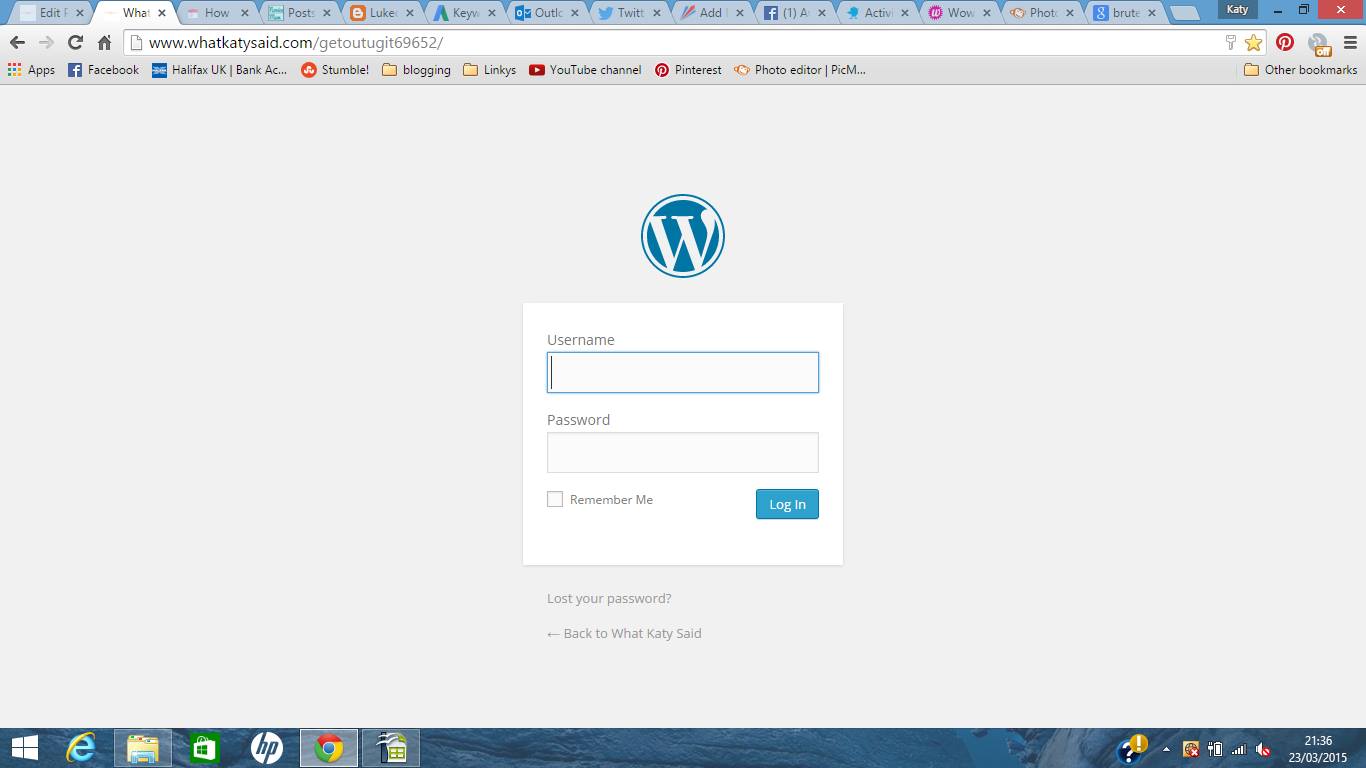 The problem is, /wp-admin is the default for every wordpress user out there. This makes hacking into your site just that little bit easier. What you want to do is hide that login page so that only you know where it is!
So what will the hackers see?
If anyone should try and go to your original extension of /wp-admin then they will be met with this screen…
 The only way anyone will be able to get to your dashboard will be to know the secret extension- and hopefully the only person who knows that is you.
Have you been a victim of hacking?


Helen | Wonderfully Average
Saturday 25th of July 2015
Scary stuff! Thanks for the tips will be installing these plugins tonight
Katy
Monday 27th of July 2015
Oh good! Can't be too safe. x
Jen / Who Let the Mum Out?
Wednesday 22nd of July 2015
Great advice! I've installed the All in one WP Security plugin and I feel my site is much more secure now. Thanks!
Katy
Thursday 23rd of July 2015
It is great as you can adjust the settings to suit you :-) x
Jenny
Wednesday 8th of July 2015
Such great tips listed here and I am making note of them and trying to go do the plugin to rename my log in area right now and a harder password too. To start protecting myself. I already use a plugin to back up but who knows if they could delete that too. I dont know what I would do working so hard every day for past two years I can't even imagine. Thank you for sharing your knowledge.
Katy
Tuesday 14th of July 2015
Hope you are all sorted now Jenny, your blog is awesome so would hate anything to happen xx
Kirsten Toyne
Thursday 18th of June 2015
This is great. Thank you. I will do this straightaway. I did wonder about the admin bit. It is so easy to find and then the username always pops up so it is down to one password. You may have saved many blogs.
Katy
Thursday 25th of June 2015
Exactly, you can never be too careful xx
Cathy (MummyTravels)
Tuesday 2nd of June 2015
Fantastic - have just done ALL of these...
Katy
Sunday 7th of June 2015
Fab!! x